Safer Play, Smarter Homes
Today we explore privacy and safety best practices for families using smart speaker learning games, turning curiosity into confidence. You will learn how voice data is handled, what settings matter most, and simple routines that protect children while preserving the wonder of playful learning. Join the conversation by sharing your household tips and subscribing for new guides that evolve with technology.
Start With Setup That Sets Boundaries
Before the first quiz or riddle, establish clear guardrails. Set up family accounts, enable kid-specific experiences, and adjust default settings that favor privacy over convenience. Place devices in shared spaces, reduce microphone sensitivity, require PINs for purchases, and review permissions together so everyone understands what each button and phrase actually does.

Create Child Profiles and Voice Match
Use age-appropriate profiles where available, linking content filters, bedtime quiet hours, and playback restrictions to the child’s voice. Train Voice Match so the assistant recognizes who is speaking, reducing accidental actions from background chatter and blocking adult-only features when small voices try clever workarounds.
Place Devices Where Supervision Is Natural
Keep smart speakers in living areas rather than bedrooms, so conversations around questions and answers are shared and teachable. Proximity invites co-play, gentle corrections, and quick context when a prompt sounds intrusive. Shared placement also discourages secret experiments with sensitive information or hidden shopping attempts.
Lock Down Purchases and Permissions
Disable voice purchasing entirely or require a strong PIN known only to caregivers. Review every enabled skill or action, especially anything requesting account links. Revoke unnecessary permissions, turn off personal results for kids, and explain why these guardrails protect creativity instead of limiting it.
Own Your Voice Data
Treat voice logs like any other family record: minimize collection, shorten retention, and understand where copies live. Use privacy dashboards to review entries, enable auto-delete, and practice hands-free deletion phrases. Normalize quick check-ins after play sessions so surprises never sit unnoticed in the history.
Everyday Play Rules Kids Remember
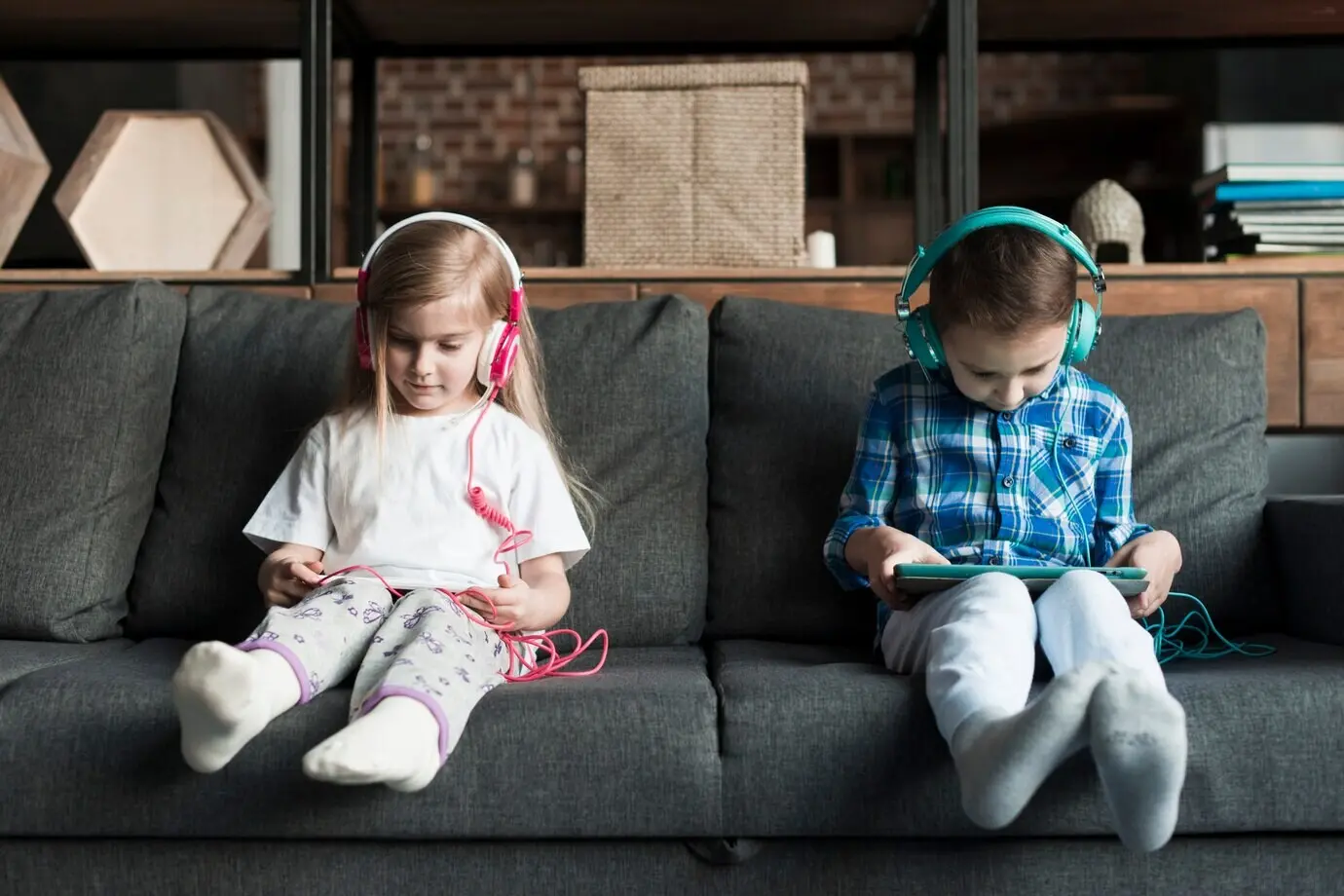
Simple, memorable guidelines help children explore safely while keeping play joyful. Create a one-page family agreement with icons, like a lock for secrets and a clock for breaks. Revisit the rules monthly, adjusting as children grow and interests shift toward more complex, social experiences.
Stronger Networks, Safer Speakers
Behind every safe interaction sits a resilient home network. Use modern encryption, unique passwords, and separate Wi‑Fi for smart devices. Keep routers updated, disable remote administration by default, and monitor new device joins. A little maintenance drastically reduces risk without interrupting delightful, educational moments.


Choose Learning Games You Can Explain
Familiarize yourself with how each game works, what it collects, and why. Favor experiences with clear privacy statements, minimal permissions, and visible parental controls. Read reviews from other families and educators, and prefer creators who update regularly and respond quickly to concerns or bugs.
Respond Calmly to Misactivations
When a device activates unexpectedly, pause the game, mute the microphone, and identify the trigger together. Reassure kids that accidents are normal. Delete the entry, adjust sensitivity or wake words, and celebrate the fix to reinforce problem-solving rather than fear or blame.
If Something Leaks, Contain, Notify, Reset
If personal information slips out, stop play, rotate passwords, and revoke any linked permissions. Notify affected adults if relevant. Factory reset devices only if needed, then rebuild settings intentionally. Use the moment to revisit rules and strengthen safeguards without shaming or overreacting.
All Rights Reserved.